Drop a static page, get a URL.
An HTML file, a Markdown note, a zip or a folder — from the dashboard, the CLI, the REST API or an agent over MCP — served at dropp.sh/d/<handle>/<slug>/. A private instance for friends and family; viewing never needs an account.
1
Drop it
Drag a file onto the dashboard, run dropper drop, or ask Claude.
2
Get the URL
It lands under your handle at once, with a slug you picked or a random one.
3
Share, or lock it
Send the link, or put an access code on it. Rename, replace or archive later.
Works where you work
Browser, terminal, agent or script: each one can create, edit, protect, archive and delete drops, and read the stats.
The dashboard
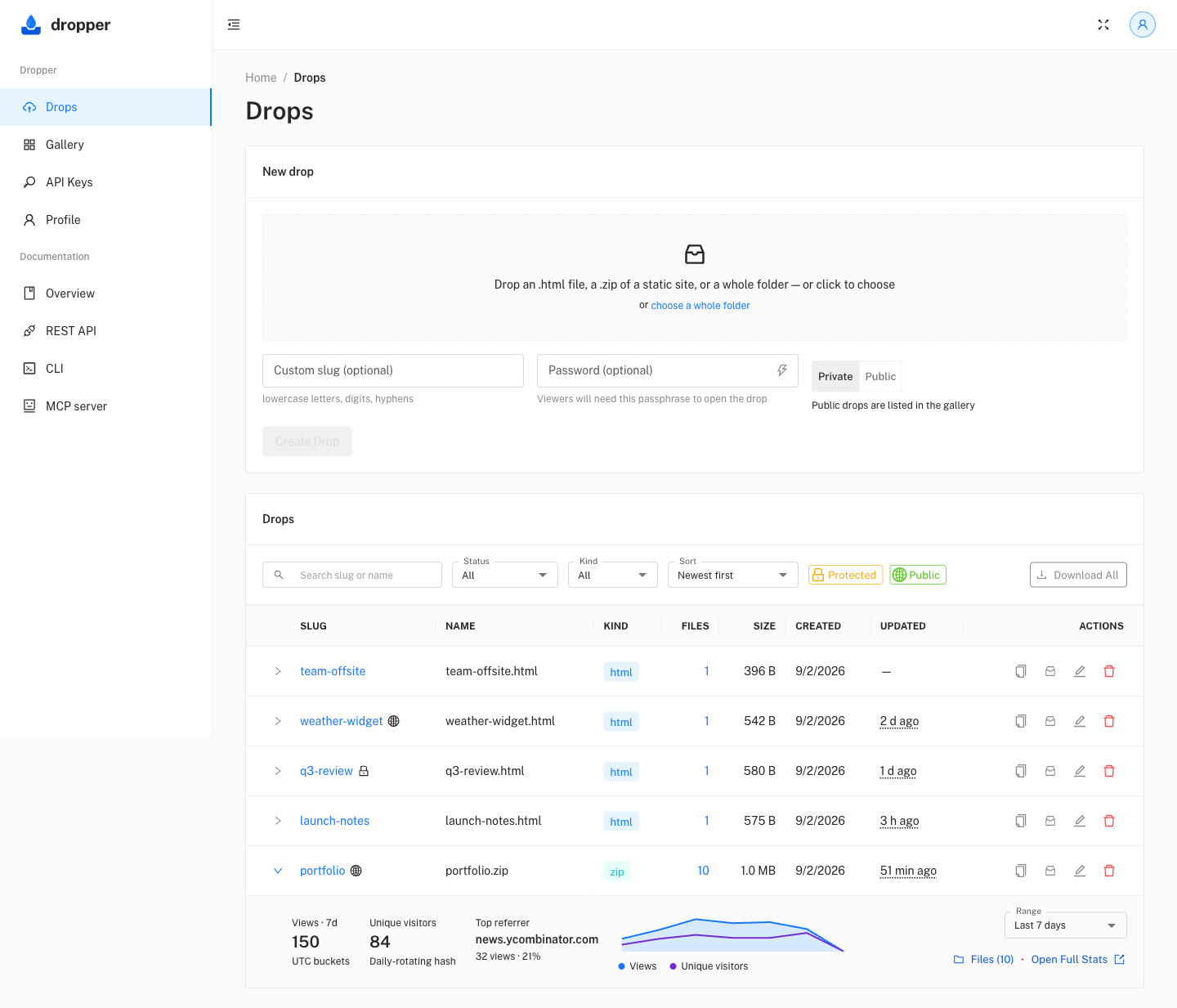
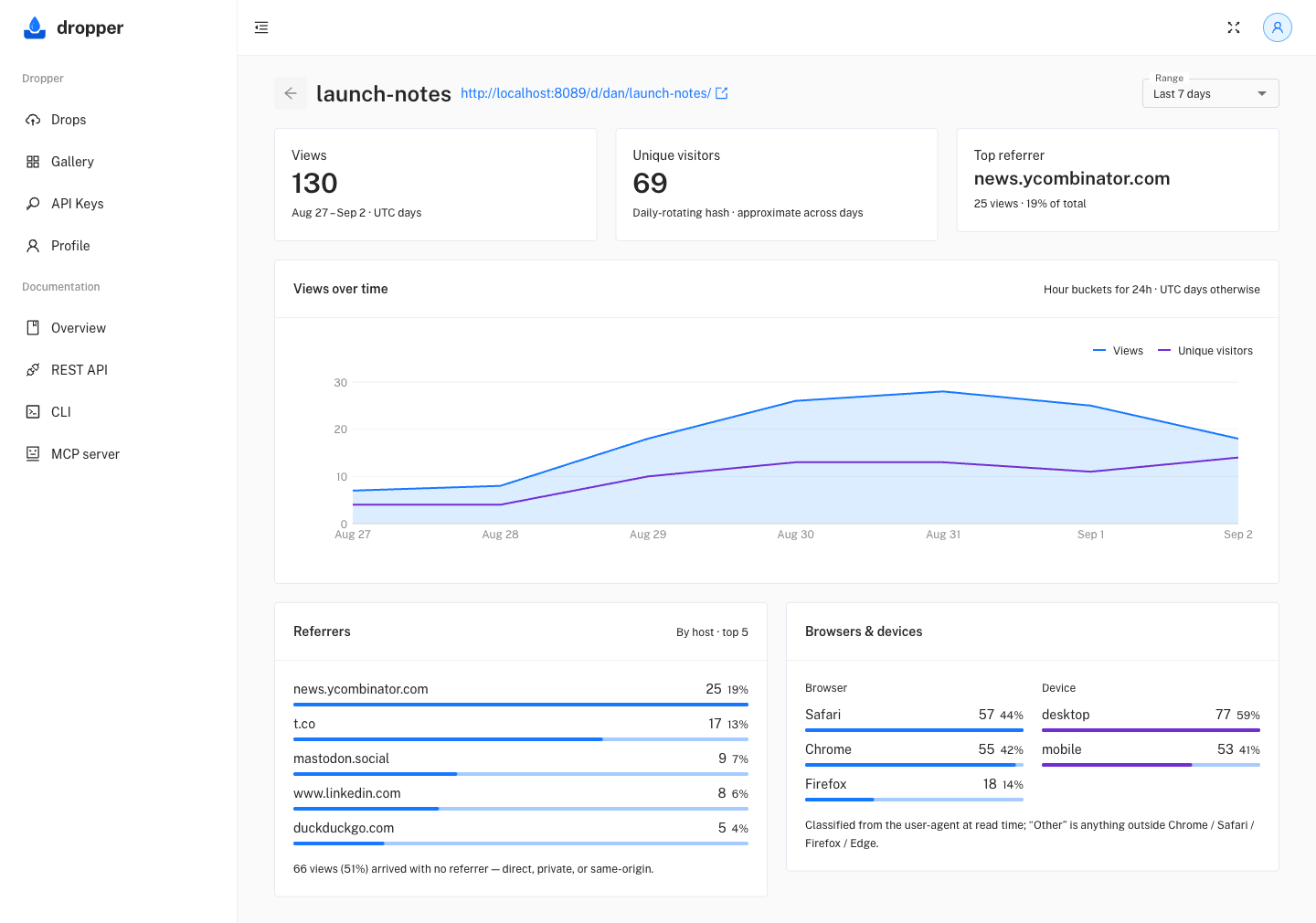
Sign in and drag a file in. Every drop is a row with its description, labels and 30-day views. Filter by project label, select several to label, archive or trash at once, or open one in a side panel to edit its name, labels, slug, access code and gallery listing beside its stats. Its own page has the full stats and a Files tab to swap one file.
For AI tools
The hosted MCP server is the whole integration: no key to paste, sign in with your tolbbox account when the client asks. A page an agent writes lands under your handle like any other drop.
Claude Code
One command registers the connector. The first /mcp sends the browser through the same sign-in and consent as the connector UI; after that every session has the tools.
The dropper CLI works from a Claude Code session too, with a personal key in the environment, for scripts that should not depend on a connector.
claude mcp add --transport http dropper https://dropp.sh/mcp
# then, inside Claude Code
/mcp   # → authenticate → sign in → approve

# in a conversation
> Publish this report as a page on my dropper
> and protect it with a generated password.
https://dropp.sh/d/your-handle/q3-report/  ·  password: pale-otter-…